
Overview
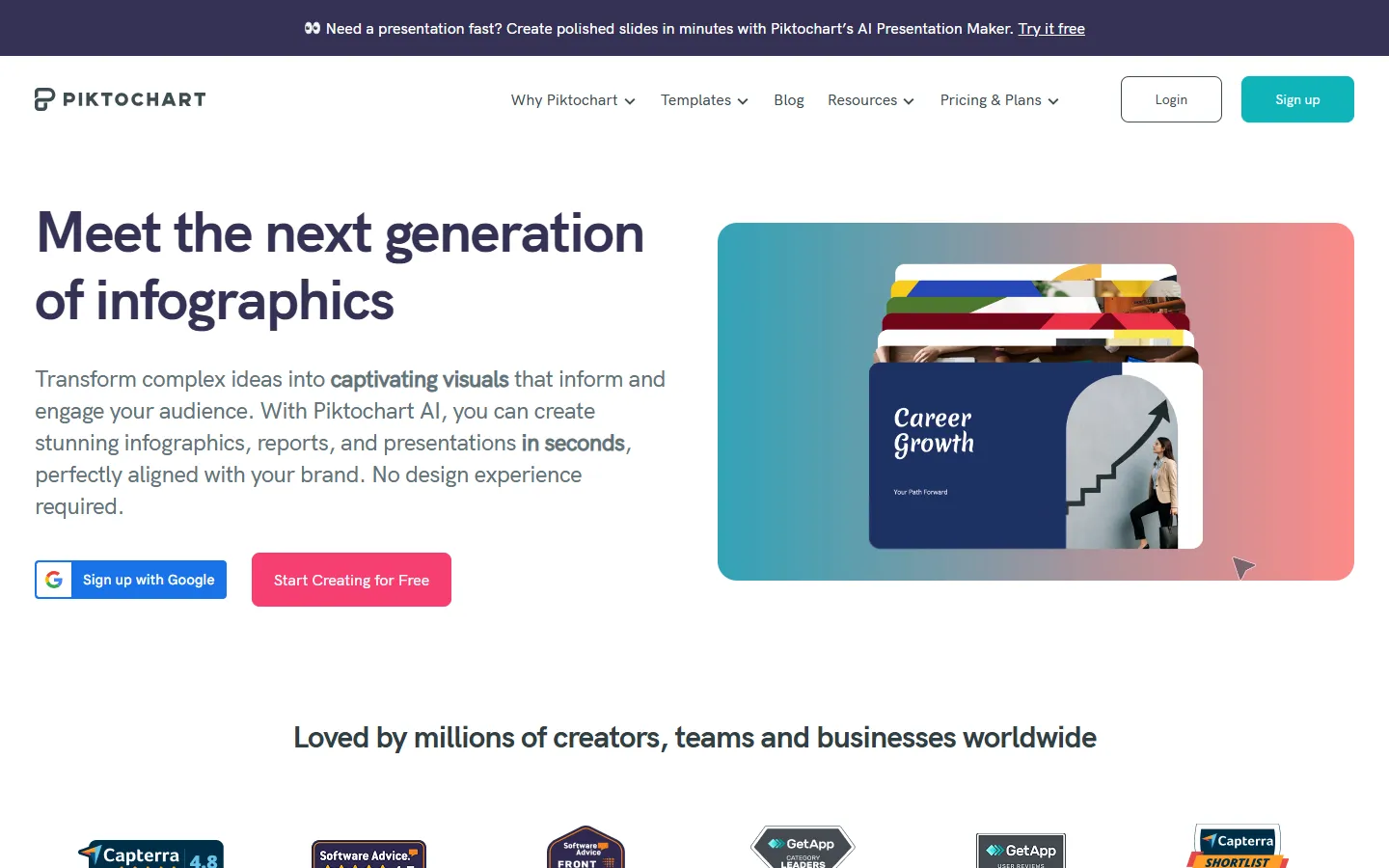
Piktochart is a visual communication and design platform that uses generative AI to convert text prompts, notes, and uploaded documents into visual assets. It allows users to build infographics, presentations, banners, reports, ebooks, and video content without requiring prior graphic design experience.
The platform is built for marketing teams, educators, consultants, entrepreneurs, and non-profits looking to produce visual materials efficiently. Users can generate structured visual drafts from simple inputs, customize layouts in an intuitive browser-based editor, and maintain brand consistency across projects.
Piktochart incorporates generative utilities such as image generators, background removers, and video creation models like Sora 2 and Veo 3.1. It also offers brand kit management, customizable templates, and shared workspace tools to support content creation workflows.
Key features
- AI design generator: Converts prompts, notes, or uploaded documents into infographics, presentations, reports, banners, and social graphics.
- Pikto AI Studio: Includes generative utilities such as an AI image generator, upscaler, background remover, and outline builder for document structuring.
- AI video creation: Generates video content in multiple aspect ratios using video models like Sora 2 and Veo 3.1.
- Brand kit management: Stores approved brand assets, fonts, colors, and logos to apply consistent styling across visual projects.
- Customizable templates: Offers a library of pre-designed templates for pitch decks, business plans, banners, flyers, and reports.
- Browser-based editor: Enables drag-and-drop editing of text, shapes, icons, colors, and visual layouts.
Pros and cons
Pros
- Free plan offers 60 recurring monthly AI credits to generate visual content.
- Supports converting documents like PDF, DOCX, and TXT directly into visual formats and summaries.
- Generates assets across diverse document and media types, including video and social graphics.
- Allows detailed editing of generated templates and visual elements.
Cons
- File downloads in formats like PDF or high-resolution PNG require a paid Pro subscription.
- Specific paid subscription pricing is not published on the main overview pages.
Best for
- Marketing teams
- Creators
- Businesses