
Overview
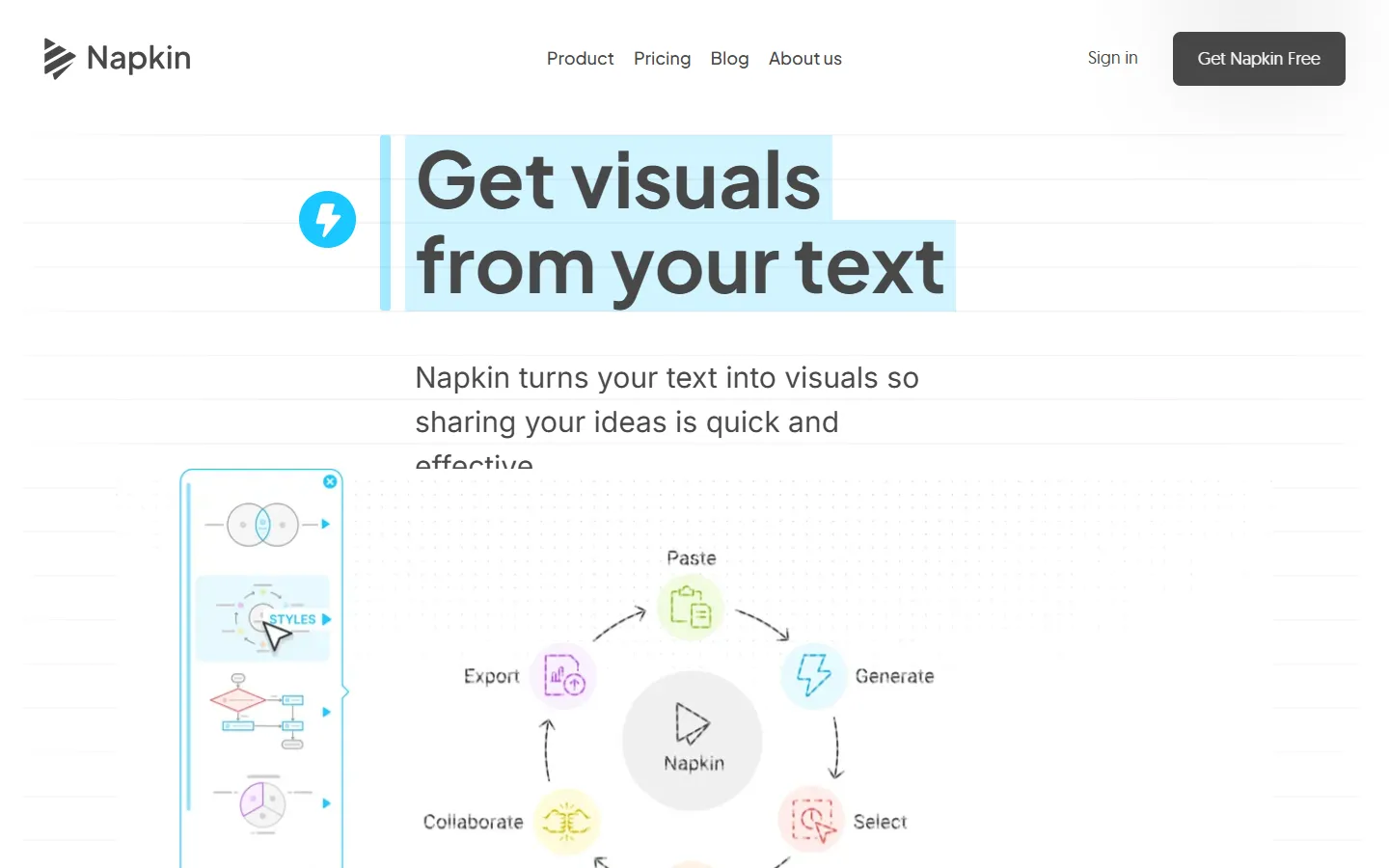
Napkin AI is a visual communication platform designed to turn written text into custom diagrams, flowcharts, mind maps, infographics, data charts, and presentation slides. Rather than relying on complex prompts, the system processes imported or pasted text and generates relevant visual concepts automatically.
The platform is designed for project managers, educators, marketers, and teams who need to communicate complex concepts visually. Users can select from generated options, edit elements freely, apply custom brand styles, and export files for integration into documents, presentations, or web content.
Key features
- Text-to-visual generation: Converts pasted text or imported documents directly into flowcharts, diagrams, mind maps, and slides.
- Customizable styling: Allows users to modify layouts, colors, fonts, and icons, or apply custom corporate branding styles.
- Multiple export formats: Supports exporting generated visuals in PPT, PNG, PDF, and SVG formats.
- Document importing: Accepts imports from PowerPoint, Word, PDF, HTML, and Markdown files to generate visuals from existing content.
- Developer API: Connects visual generation capabilities into custom applications, AI assistants, and automation workflows.
Pros and cons
Pros
- Generates diagrams directly from raw text without requiring complex prompt engineering.
- Fully editable visual elements including fonts, colors, layouts, and individual icons.
- Flexible export options in vector and presentation formats like SVG and PPT.
Cons
- Free plan limits usage via weekly AI credit quotas and includes Napkin branding.
- Vector and PowerPoint exports are restricted to paid subscription tiers.
Best for
- Marketers
- Educators
- Project Managers