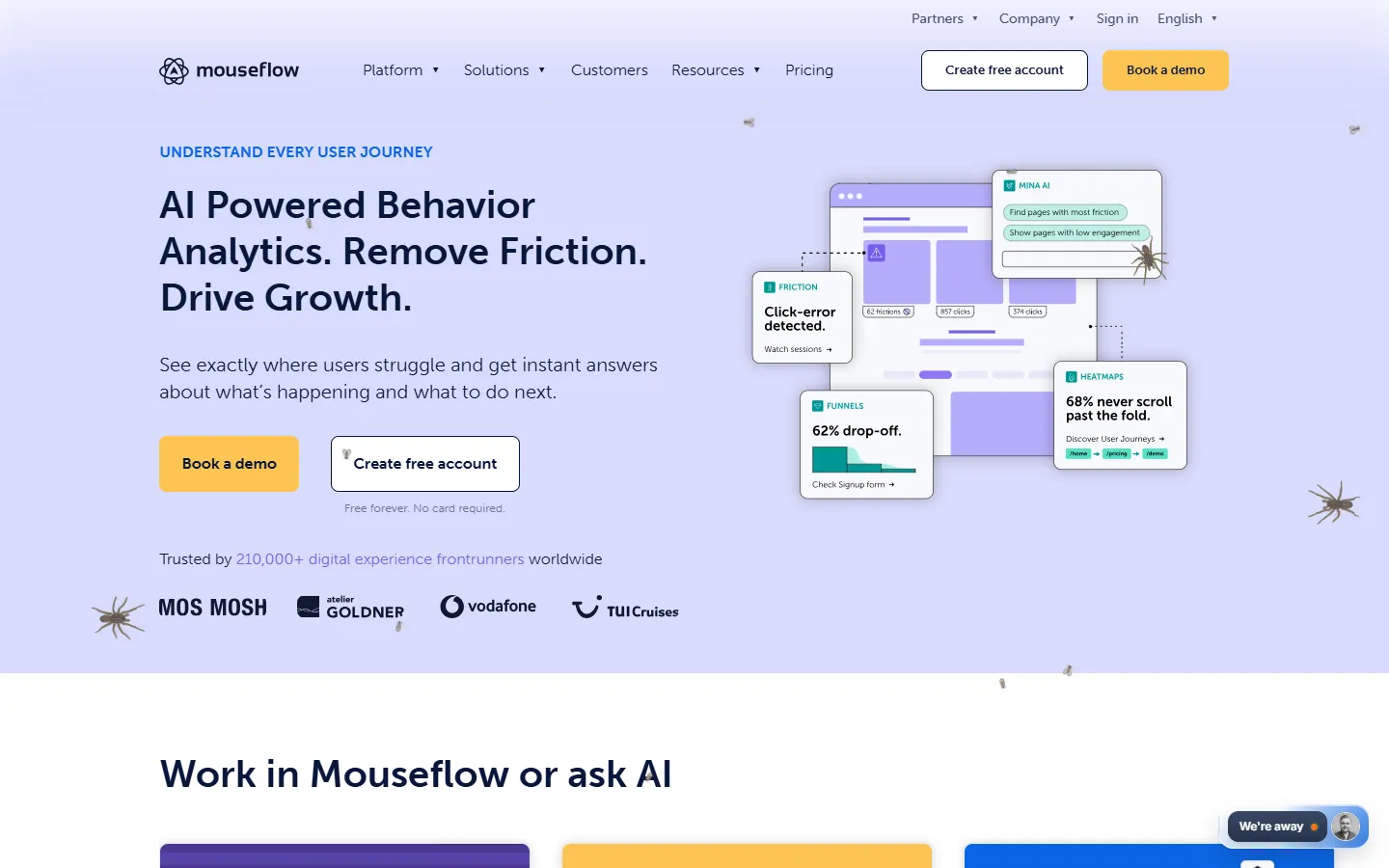

Overview
Mouseflow is a behavior analytics platform designed for digital marketers, UX designers, product teams, and conversion rate optimization specialists. It captures visitor interaction data across websites to help teams identify usability friction, analyze visitor journeys, and optimize conversion rates.
The platform records full user sessions without traffic sampling, ensuring complete data collection for troubleshooting and performance analysis. It combines quantitative session tracking with qualitative user feedback tools and built-in AI capabilities for automated behavioral insights.
Key features
- Session replay: High-fidelity video-style session recordings capture visitor clicks, scrolls, hesitations, and interaction errors.
- Website heatmaps: Automated heatmaps track click, scroll, movement, and attention patterns across all website pages and devices.
- Friction detection: Automated monitoring flags friction signals such as rage clicks, broken elements, and confusing user flows.
- Conversion funnels: Multi-step funnel analytics track visitor progression and highlight drop-off points in user journeys.
- Form analytics: Dedicated metrics uncover form field engagement, hesitation time, and abandonment causes.
- Feedback surveys: On-site surveys collect direct qualitative user feedback tied to specific user behavior.
- Mina AI and MCP server: Built-in AI guidance and a Model Context Protocol server allow querying session and analytics data using natural language.
Pros and cons
Pros
- Records 100 percent of user sessions without relying on traffic sampling.
- Offers unlimited user seats across all subscription plans.
- Includes default privacy controls and enterprise-grade data anonymization.
Cons
- Extended data retention periods and advanced features require higher-tier plans.
- High-traffic websites require enterprise custom plans to cover larger session volumes.
Integrates with AI
Connect Mouseflow to AI assistants and agents.
- MCP server(opens in a new tab)
- Claude(opens in a new tab)
- ChatGPT(opens in a new tab)
- Gemini(opens in a new tab)
Compare: Marketing tools with an MCP server · Marketing tools that integrate with Claude · Marketing tools that integrate with ChatGPT · Marketing tools that integrate with Gemini
Best for
- UX experts
- Conversion rate optimisers
- Digital marketers