
Overview
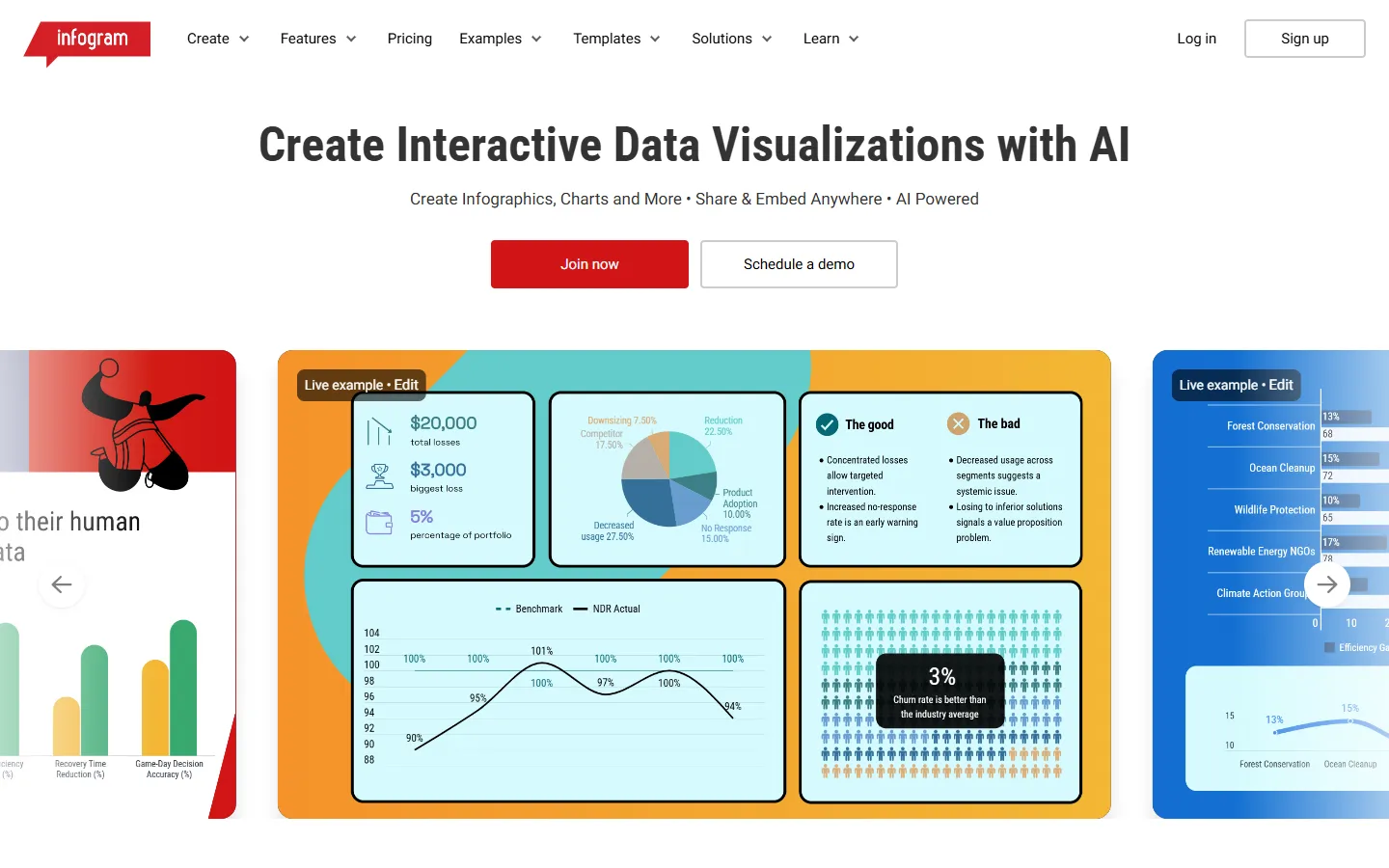
Infogram is a web-based data visualization and reporting platform that enables teams and individuals to build visual content. The software allows users to convert raw data into interactive infographics, reports, dashboards, maps, charts, slides, and social media graphics.
The platform includes AI-driven capabilities such as an AI infographic generator, an AI chart creator, and automated chart recommendations based on uploaded datasets. Users can import data from spreadsheets, databases, and APIs, customize branding elements, and add interactive tooltips, animations, or callouts.
Infogram serves marketers, researchers, journalists, educators, and enterprise teams who need to communicate data clearly. Finished content can be published online, embedded into websites, or exported in various image, document, and video formats.
Key features
- AI chart generator: Creates customized charts from raw data or topic inputs and suggests appropriate visualization types.
- AI infographic maker: Generates interactive infographics from text prompts and structured metrics.
- Data imports and live connections: Connects with SQL databases, APIs, spreadsheets, and cloud files to keep data updated.
- Interactive elements: Integrates custom tooltips, clickable links, page navigation, GIFs, and object animations.
- Brand kit and customization: Applies custom logos, color palettes, fonts, and branded themes across projects.
- Team collaboration: Enables real-time co-editing, commenting, and shared team templates.
- Engagement analytics: Tracks viewer engagement and performance metrics across published visual assets.
Pros and cons
Pros
- Supports over 35 interactive chart types and 800 map styles.
- Provides AI tools to automate chart selection and layout setup.
- Exports content to multiple formats including PDF, MP4, GIF, and HTML.
Cons
- Advanced branding, analytics, and collaboration tools require higher-tier subscriptions.
- Free plan restricts accounts to ten projects and five pages per project.
Best for
- Marketers
- Analysts
- Designers