
Overview
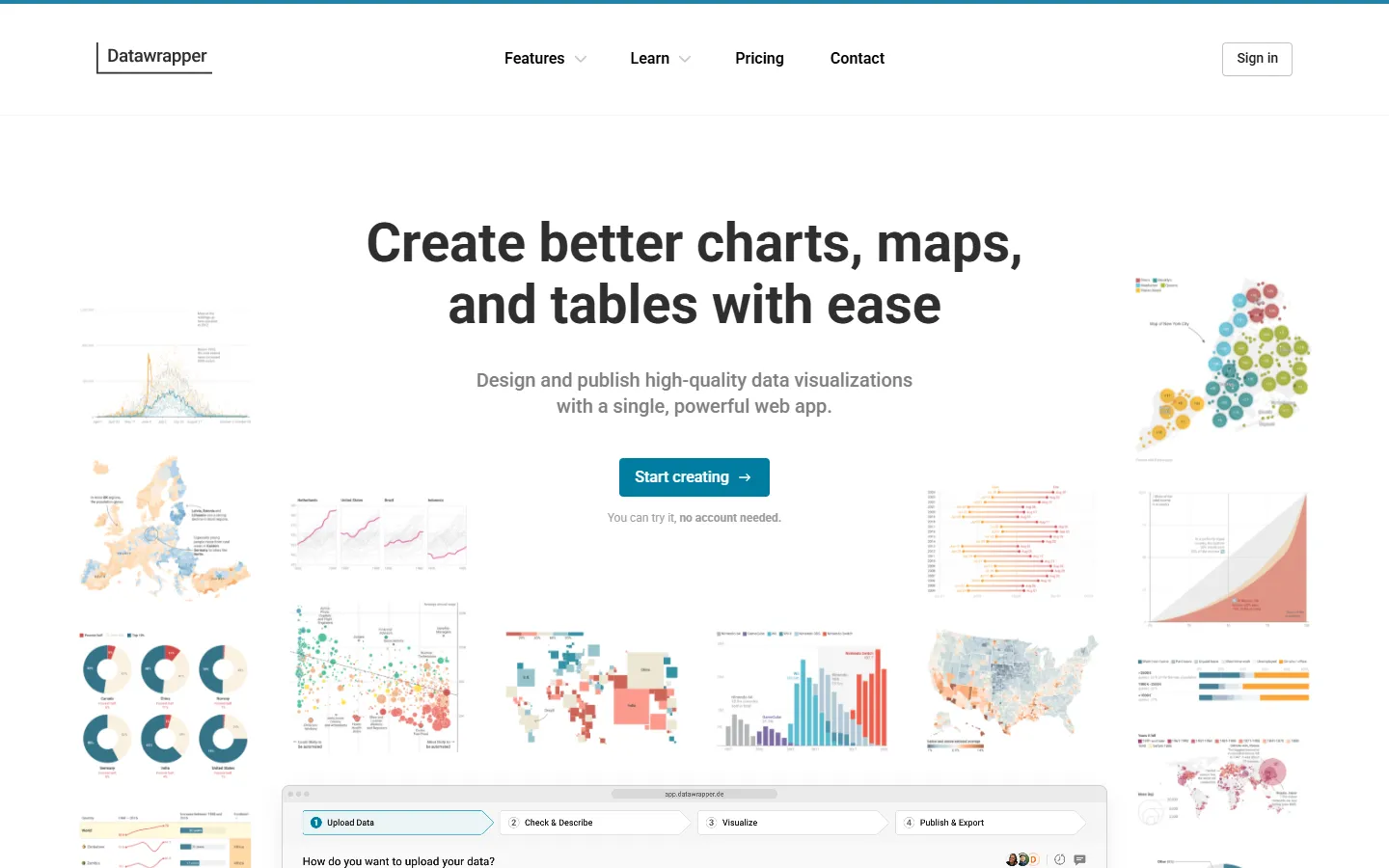
Datawrapper is a web-based visualization platform that allows users to design and publish interactive charts, maps, and tables without writing code. The tool is designed for media newsrooms, research organizations, and corporate teams that need to communicate data clearly across web, mobile, print, and presentation formats.
The platform emphasizes accessibility, responsive design, and brand consistency by default. Users can customize typography, colors, and layouts using a guided step-based workflow, or collaborate in real time with shared team folders and inline commenting tools.
Organizations can publish graphics directly to websites, export assets for print, or embed live visualizations into PowerPoint presentations. Developer options also enable automated data updates and chart generation via a REST API.
Key features
- Step-based editor: Guides users through data upload, styling, and publishing with live responsive previews.
- Accessible design defaults: Automatically handles non-overlapping labels, unobtrusive annotations, and accessible color palettes.
- Brand customization: Applies custom themes, typography, and color schemes across all published visual assets.
- Real-time collaboration: Enables team members to edit graphics together, leave review comments, and organize shared folders.
- PowerPoint integration: Allows users to create and embed live updating visualizations directly inside presentation slides.
- Developer API: Supports programmatic chart creation, data updates, and exports using access tokens.
Pros and cons
Pros
- Requires no coding skills to build clean, responsive charts and maps.
- Built-in accessibility features ensure legibility across screen sizes by default.
- Real-time collaboration and one-click publishing simplify team workflows.
Cons
- Browser-side API calls require setting up a proxy endpoint due to CORS restrictions.
- Custom enterprise branding and shared setup controls require higher-tier plans.
Best for
- Marketing teams
- Analysts
- Publishers